

Settings
You open the Settings at the bottom of the sidebar. They are divided into four expandable areas, with the setup wizard and the short tour below them.
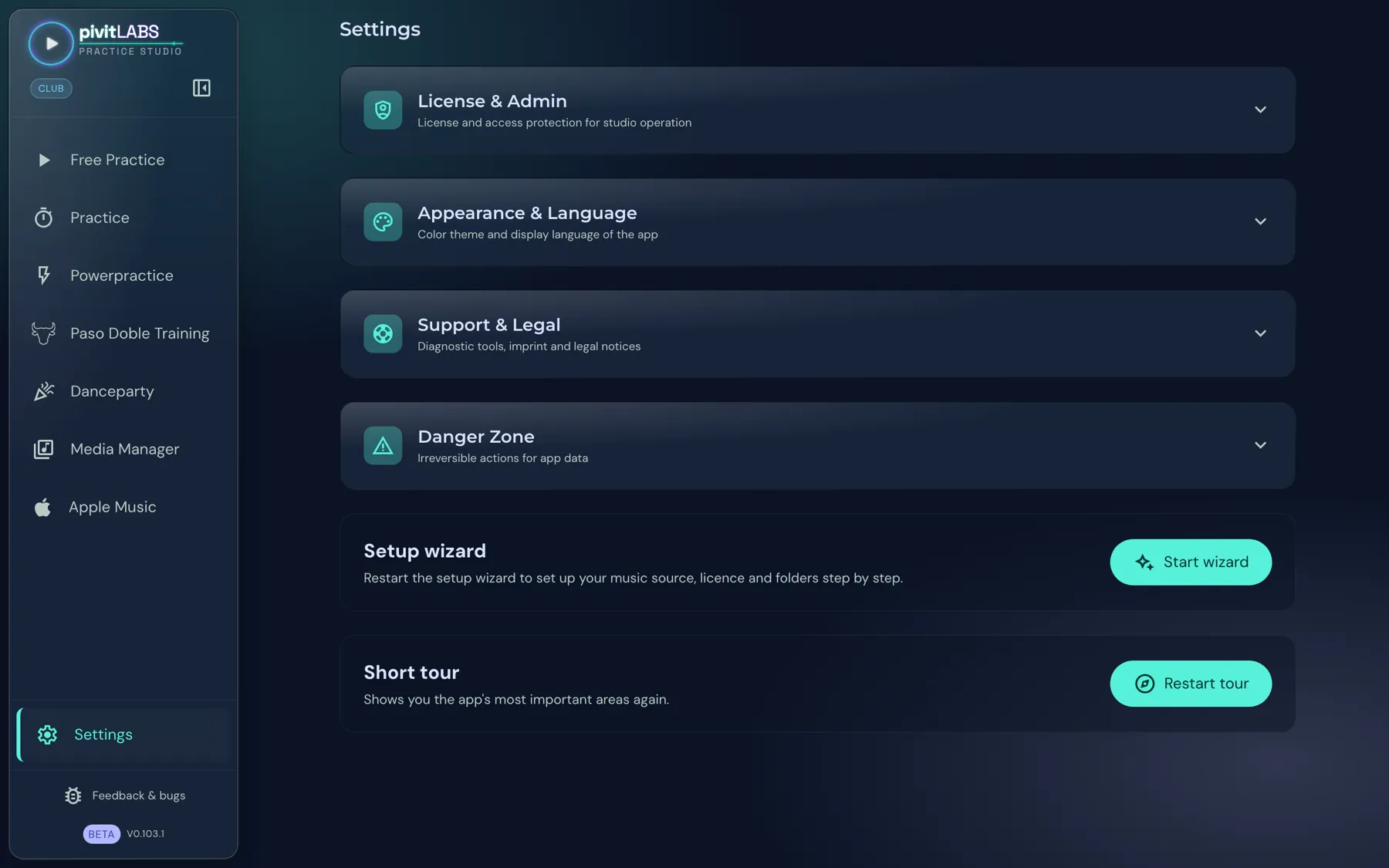
| Area | What it is for |
|---|---|
| License & Admin | Manage licences and the access protection for dance studio operation, see License & Admin. |
| Appearance & Language | Colour scheme and display language of the app. |
| Support & Legal | Logs, backups, feedback, imprint and legal notices. |
| Danger Zone | Irreversible actions for the app data. |
Appearance & Language
Section titled “Appearance & Language”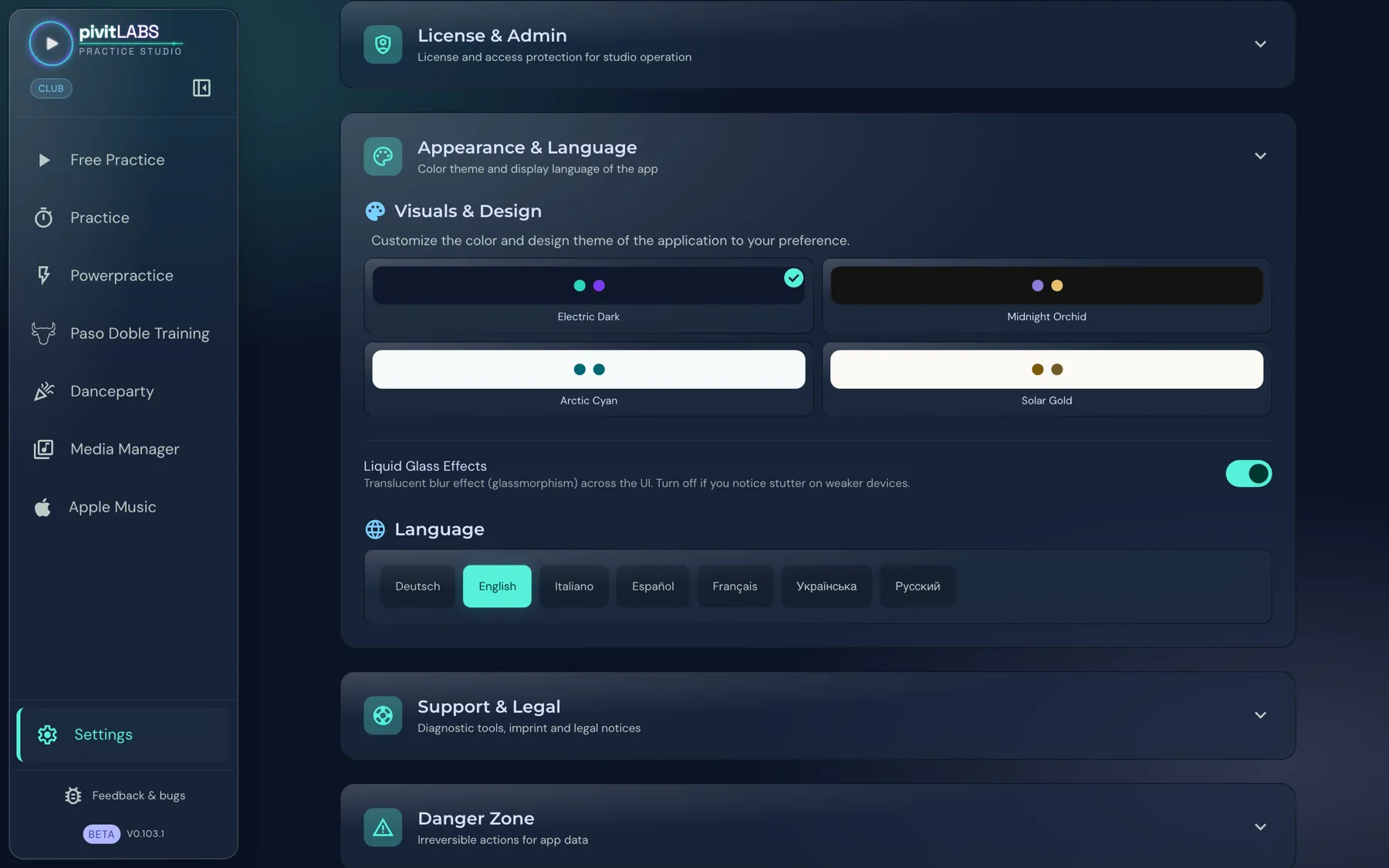
- Visuals & Design: You choose one of four colour schemes. Electric Dark and Midnight Orchid are dark, Arctic Cyan and Solar Gold are light. The active scheme carries a tick. Choosing a design belongs to the Pro package.
- Liquid Glass Effects: A translucent blur effect across the interface. If the app stutters on a weaker device, switch it off.
- Language: Deutsch, English, Italiano, Español, Français, Українська and Русский.
Support & Legal
Section titled “Support & Legal”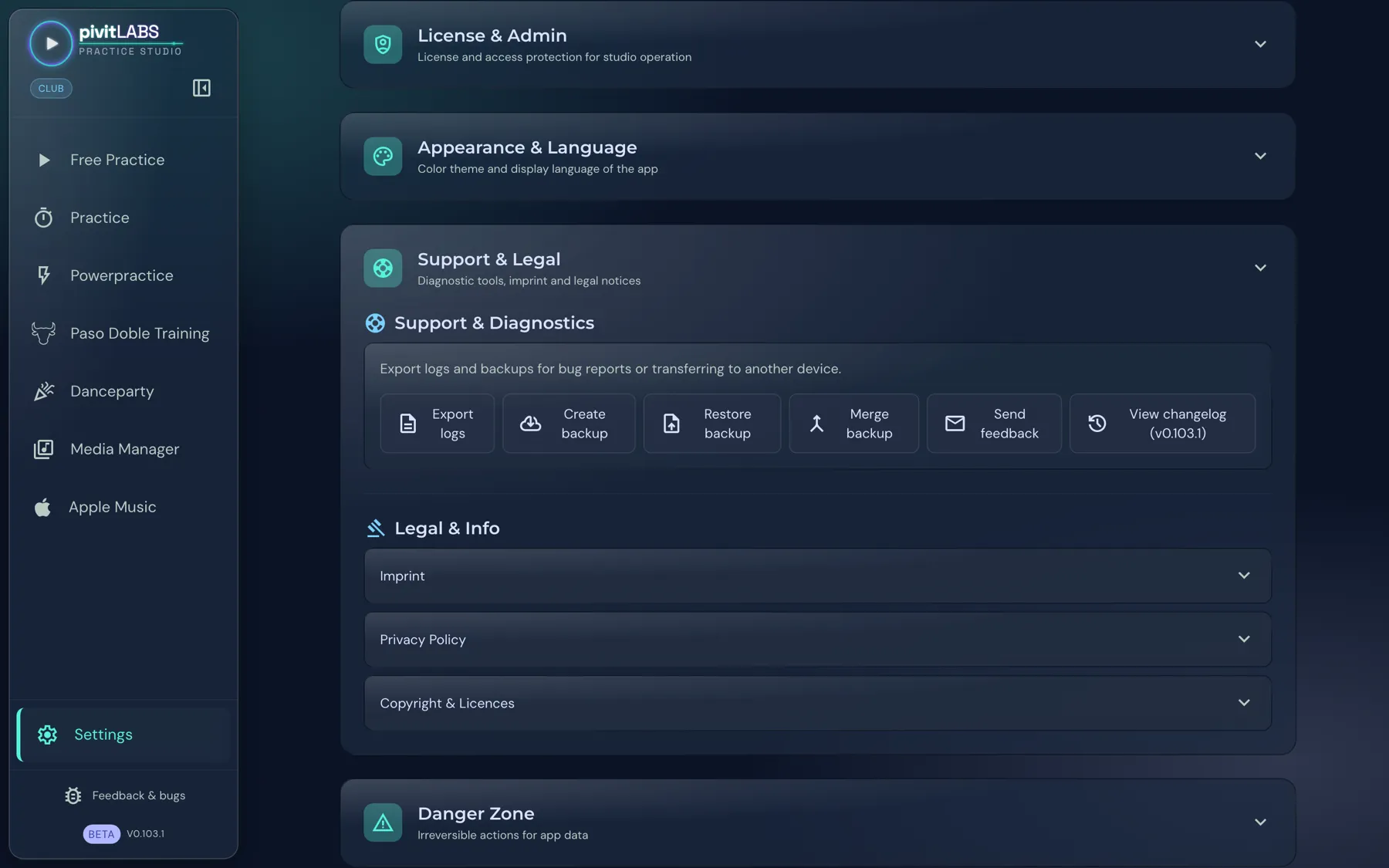
Under Support & Diagnostics you export logs and backups for bug reports or for moving to another device:
- Export logs: Saves the app’s logs, for example for a bug report.
- Create backup: Saves your data to a file.
- Restore backup: Replaces your current data with the backup, for example on a new device. The app saves a copy of the current state first.
- Merge backup: Adds a backup to your existing data. Existing entries are kept, and entries with the same ID are skipped.
- Send feedback: Opens feedback to pivitLABS.
- View changelog: Shows what is new in the current version. The version number is in the button.
Under Legal & Info you expand Imprint, Privacy Policy and Copyright & Licences.
Danger Zone
Section titled “Danger Zone”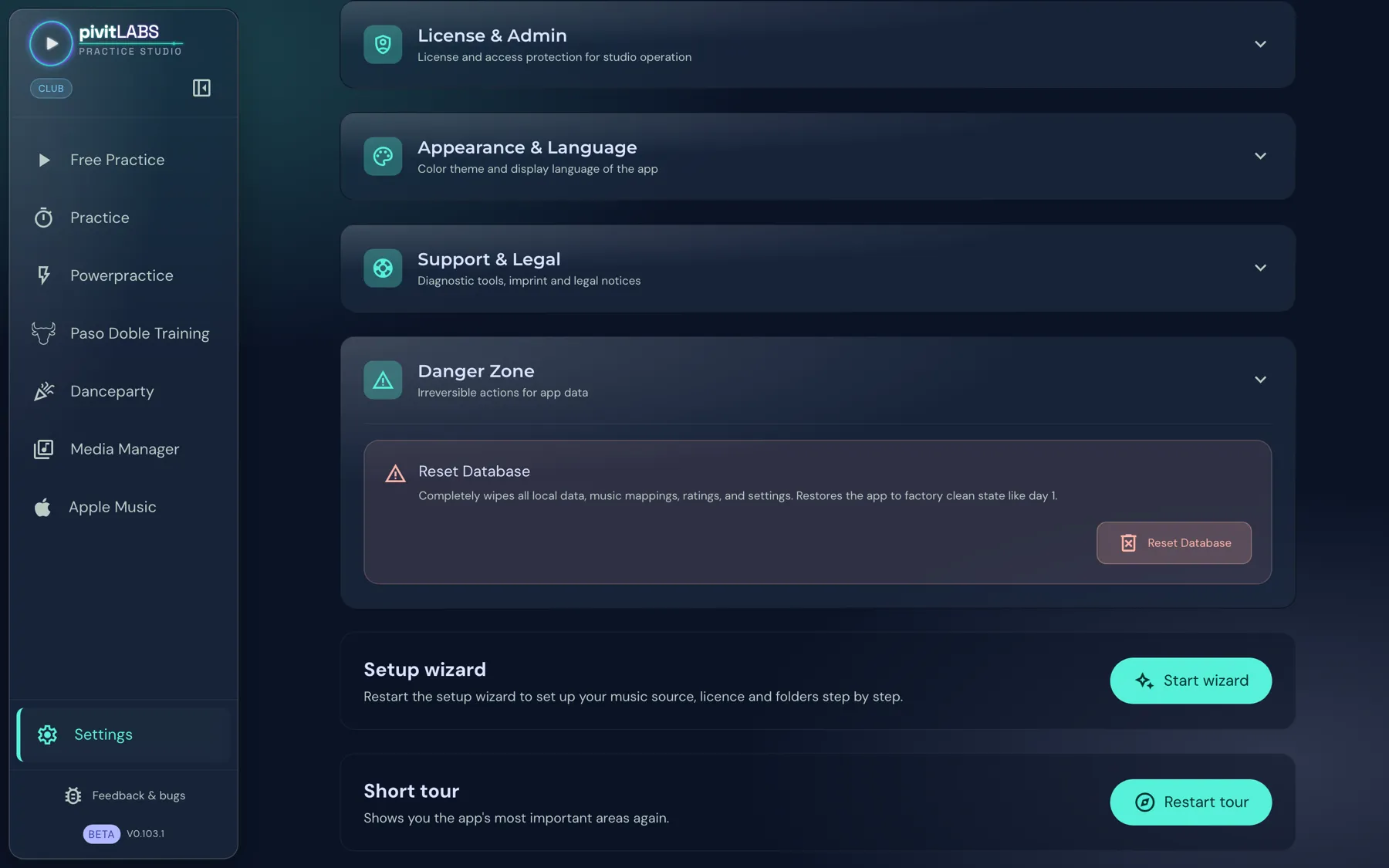
Reset Database deletes all local data, music mappings, ratings and settings completely. The app is then in its factory state, like on day one.
Setup wizard and short tour
Section titled “Setup wizard and short tour”Below the areas are two more cards:
- Setup wizard: Restarts the setup. It leads you step by step through music source, licence and folders. See also Setting up your dance music.
- Short tour: Shows you the app’s most important areas again. The tour exists on the desktop only.